Spotlight
Pro Tools personalises Dolby Atmos headphone monitoring
Pro Tools 2026.4 can load a Dolby headphone profile scanned from your own head, so immersive mixes translate more accurately when you monitor on headphones.
SoftKrtl Editorial · 28 Jul 2026 · 5 min read
 Spotlight
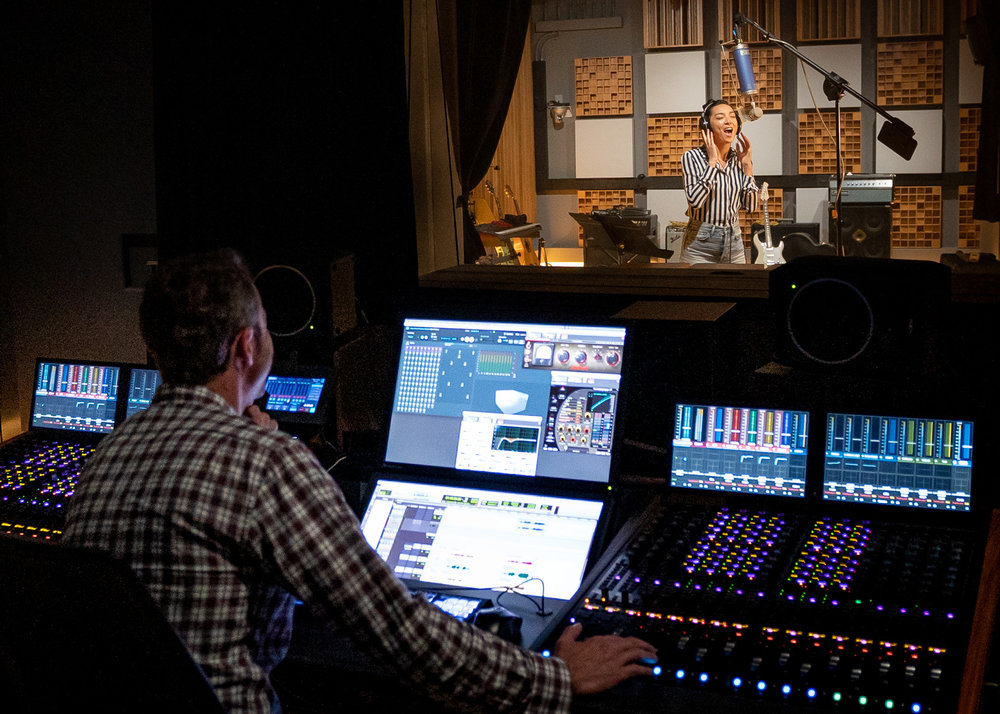
Credit: Dolby Laboratories / Dolby Newsroom. Verify required wording before publication.
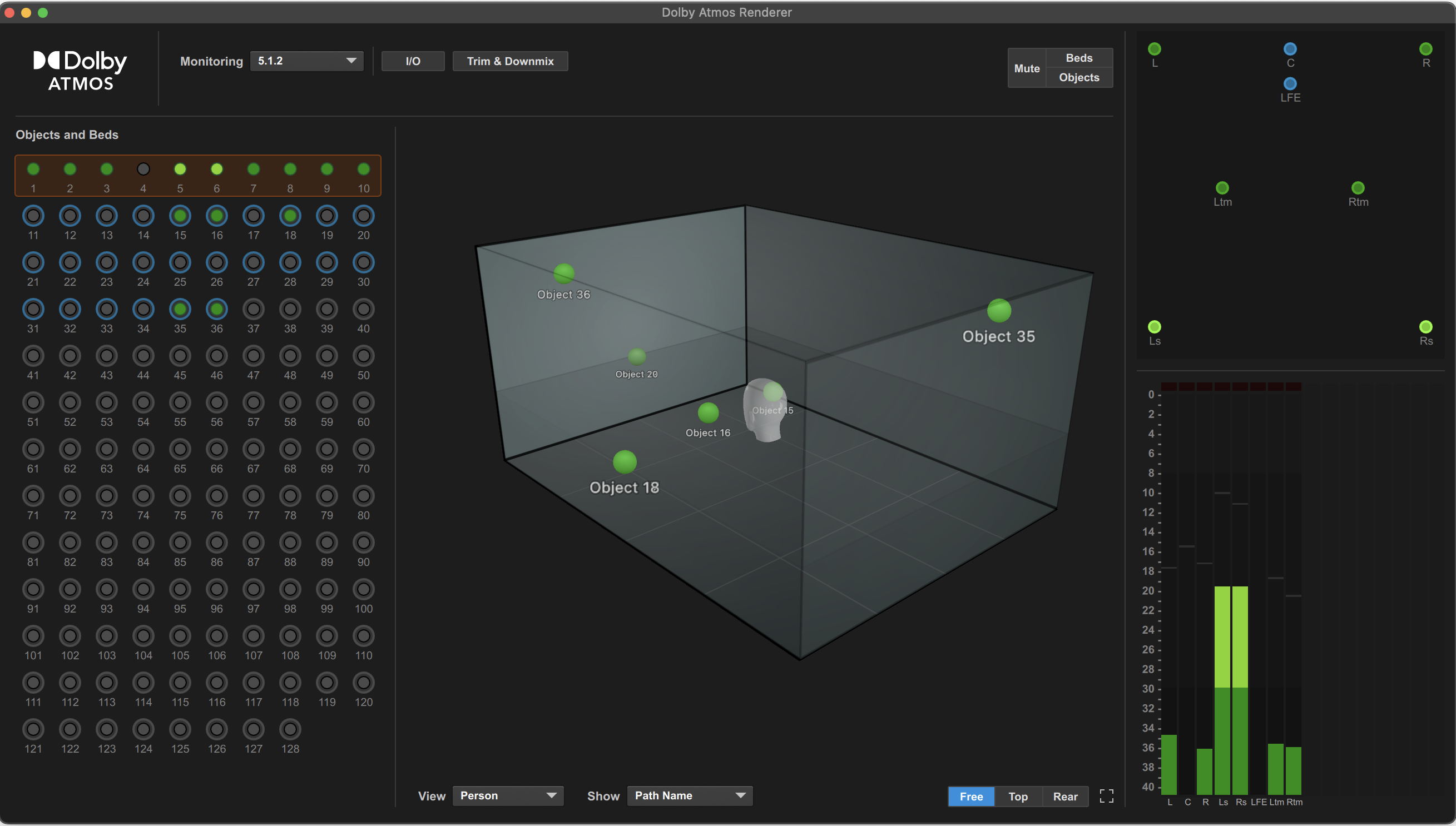
Mixing in Dolby Atmos usually means trusting a room full of speakers. Most people do not have one, so binaural headphone monitoring stands in. The catch is that every set of ears hears that virtual space slightly differently. Pro Tools 2026.4 addresses this with Dolby Atmos headphone personalization, which tailors the binaural render to your own head and ears.
Why headphone monitoring is inconsistent
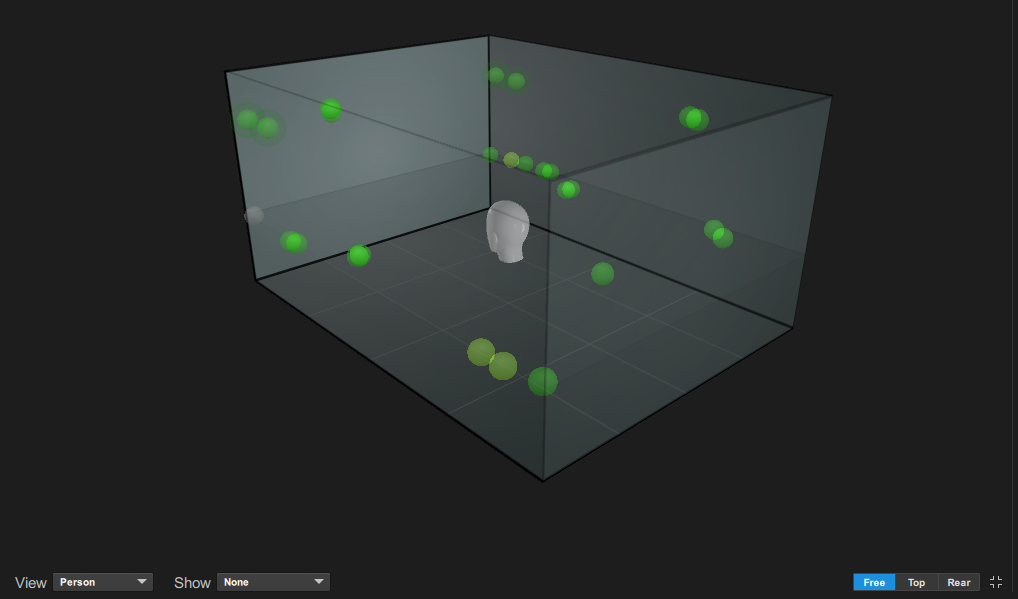
Binaural renderers place sound around you using a head-related transfer function, or HRTF: a model of how a head and ears colour sound arriving from different directions. Dolby's binaural renderer, like most, uses a standardised HRTF modelled on a mannequin head. Because your head and ears differ from that model, and everyone's do, the immersive image you hear can shift, subtly or significantly, from what the mix actually contains.
A profile scanned from your own head
Dolby headphone personalization uses your phone's camera to scan your head and build a personalised HRTF, or PHRTF. Dolby has partnered with Sonarworks, whose free SoundID Tools app (on the Apple App Store and Google Play) walks you through the scan and transfers the resulting profile to your computer. Creating a profile costs nothing.

Loading your profile into Pro Tools
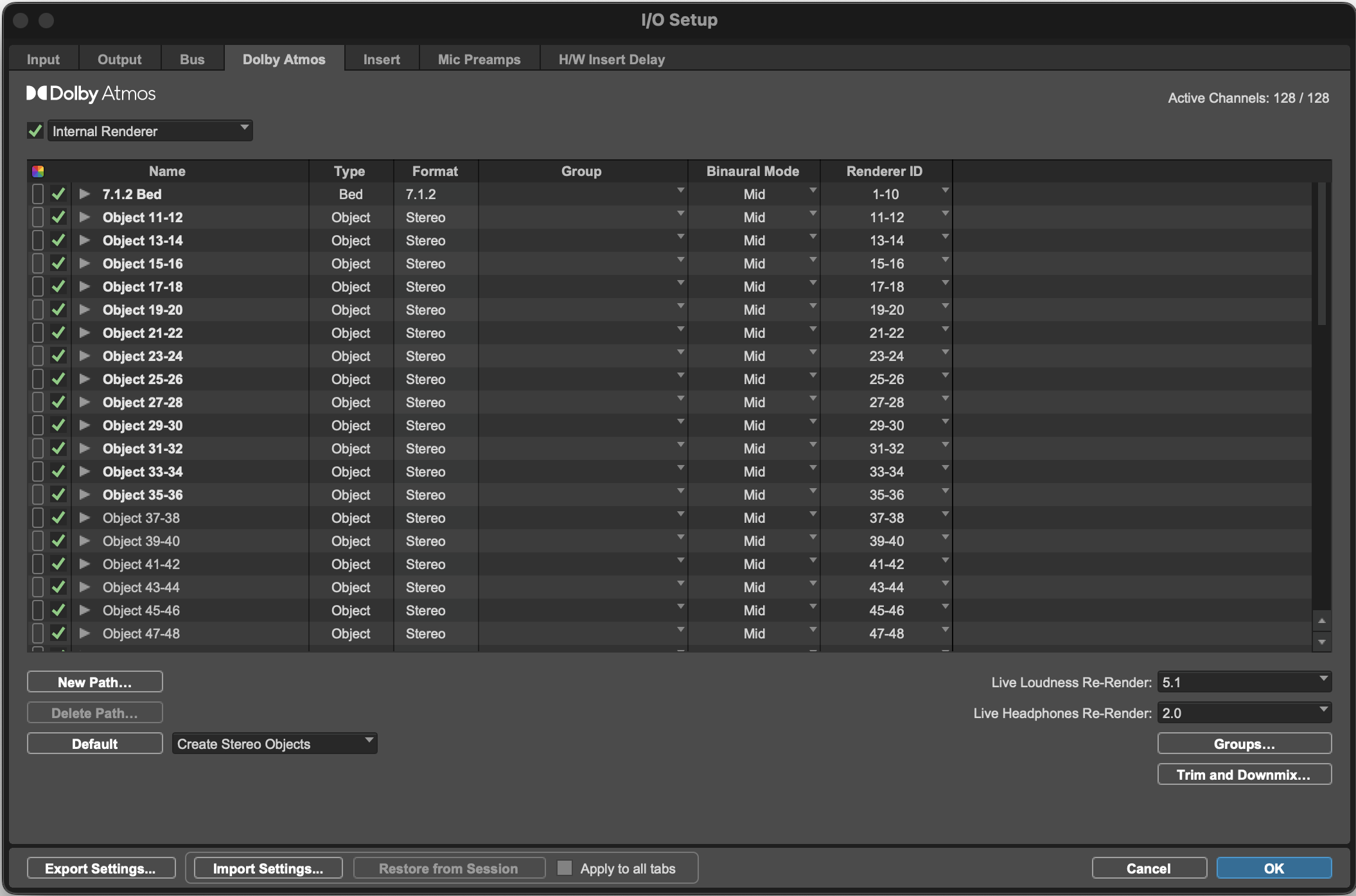
The feature works in Pro Tools Studio and Ultimate, version 2026.4 or later. With the Dolby renderer enabled, open Window then Renderer, click the gear icon, and from the Headphone Personalization selector choose Import New Profile. Point it at your .personalized_headphone file and it becomes the active profile. The same file also loads into the standalone Dolby Atmos Renderer application if you monitor there.
Headphones or the full renderer
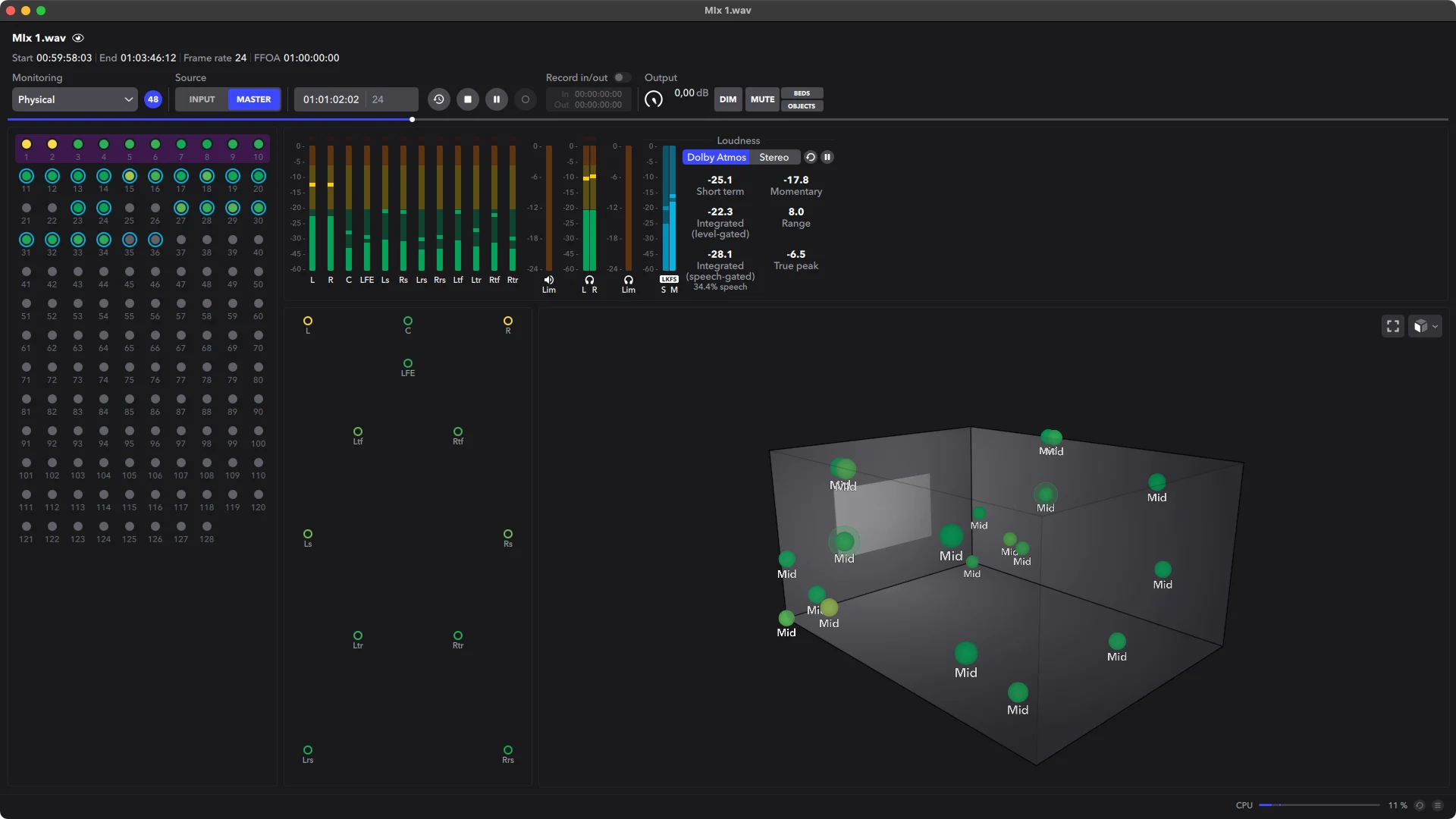
Personalization is aimed at people mixing on headphones, where a trustworthy binaural image is hardest to get. If you monitor through the standalone Dolby Atmos Renderer rather than the one built into Pro Tools, the same profile loads there too, so your reference stays consistent across both.
For creators, not consumers
Dolby is clear that this is a content-creation tool, not a consumer playback setting. The goal is a mix that translates well for listeners on any service or device. Some platforms, such as iOS, let listeners build their own personal profiles; those are separate from the creator profile, though the two can complement one another.
A mix is only as honest as what you hear while you make it. Tuning the render to your own ears is a quiet but meaningful step toward that.
The immersive toolset, and now headphone personalization, lives in the two upper Pro Tools tiers.
If you already work in Atmos, a personalised profile is a low-effort upgrade to your monitoring: free to create, quick to load, and built into Pro Tools 2026.4.