
One installer per plugin
NoiseWorks installation.
NoiseWorks releases a separate installer for each plugin, so you only download the ones you bought. Set aside about ten minutes. You will need the activation code from your licence email.
Official brand help
noiseworksaudio.com/faq ↗How to install and activate
Add the licence to your account
- 1
Sign in to (or create) your NoiseWorks account
Open the NoiseWorks login page and enter your email address to get a magic link, or create an account with a password. Your licences and installers live in this account.
Open ↗What you will see
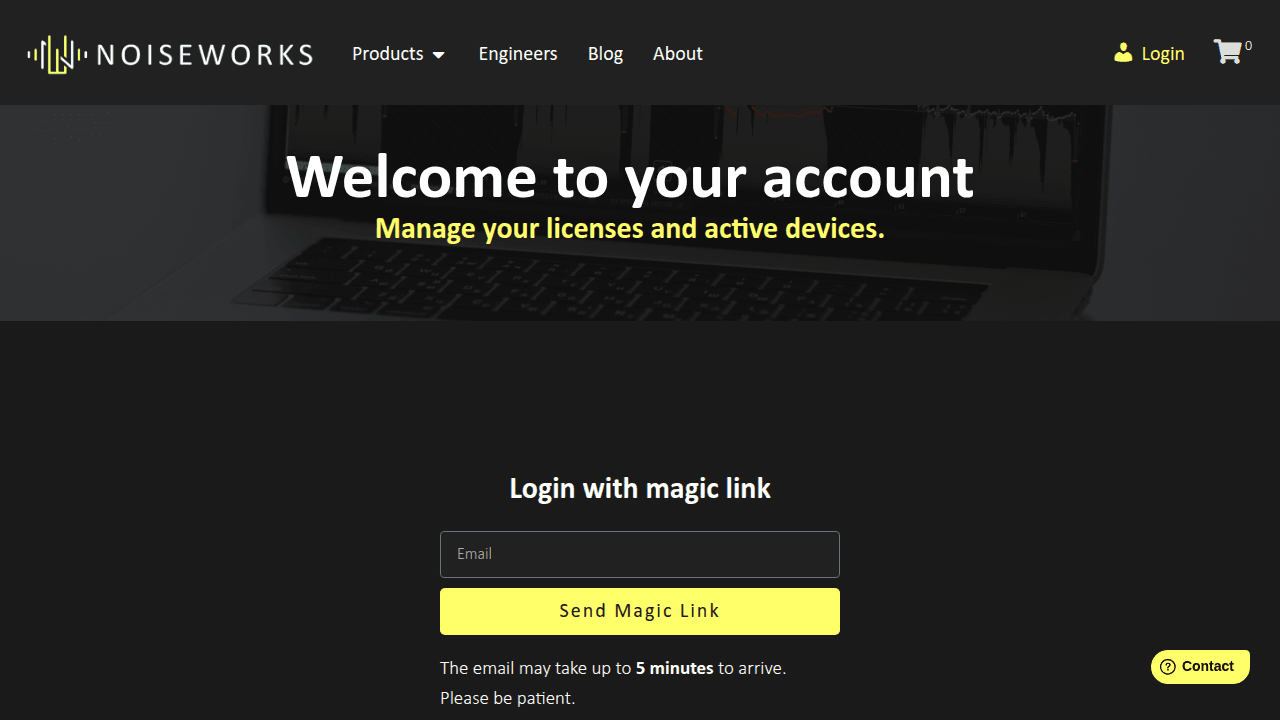
The NoiseWorks login: enter your email and use the magic link, or sign up with a password. - 2
Enter your licence code on the dashboard
Licences bought from a reseller are switched off until you add them. On your account dashboard, paste the licence (or bundle code) from this email into the form, click Submit, wait for the pop-up, then reload the page.
TIPA bundle code adds every plug-in in the bundle at once.Sign in to view itYour activation code
It is in your licence email, in the purple panel. Signed in? It is in your account too.
CHECKPOINT
The installer appears on the dashboard and your licence is listed under Licenses.
Install and activate
- 3
Download and run the installer
Download the installer from the dashboard and run it. Then restart your music program so it rescans for new plug-ins.
- 4
Enter your licence in the plug-in
Copy the licence from the Licenses page of your account, load the plug-in in your music program, and enter the licence when it asks.
CHECKPOINT
The plug-in opens with no trial notice.
- 5
Repeat for each product you bought
Each product has its own licence and installer. Work through your order one at a time.
If something goes wrong
My code is not accepted
Codes are entered exactly as sent — paste rather than retype, and keep or drop dashes exactly as the steps say. Still stuck? Contact us with your order number and we will sort it, usually the same day.
The plug-in does not show up in my music program
Check you installed the format your program uses and rescan its plug-in folders. The NoiseWorks help pages cover each program's scan settings.
I bought this but have no email
Check spam first — licence emails arrive within minutes of payment. Nothing there? Contact us and we will resend it.
I bought several products
Each product has its own installer, and codes only unlock the product they were issued for — work down your order one at a time.